
About Freshchat
Freshchat, part of Freshworks, provides customer messaging and support tools. The Crassula connector is relevant to teams adding conversations and customer support to branded financial interfaces. Routing, automated replies and other messaging functions depend on the chosen Freshworks product, subscription and configured integration; they should be matched to the support processes the business intends to operate.
Connecting customer support to the product
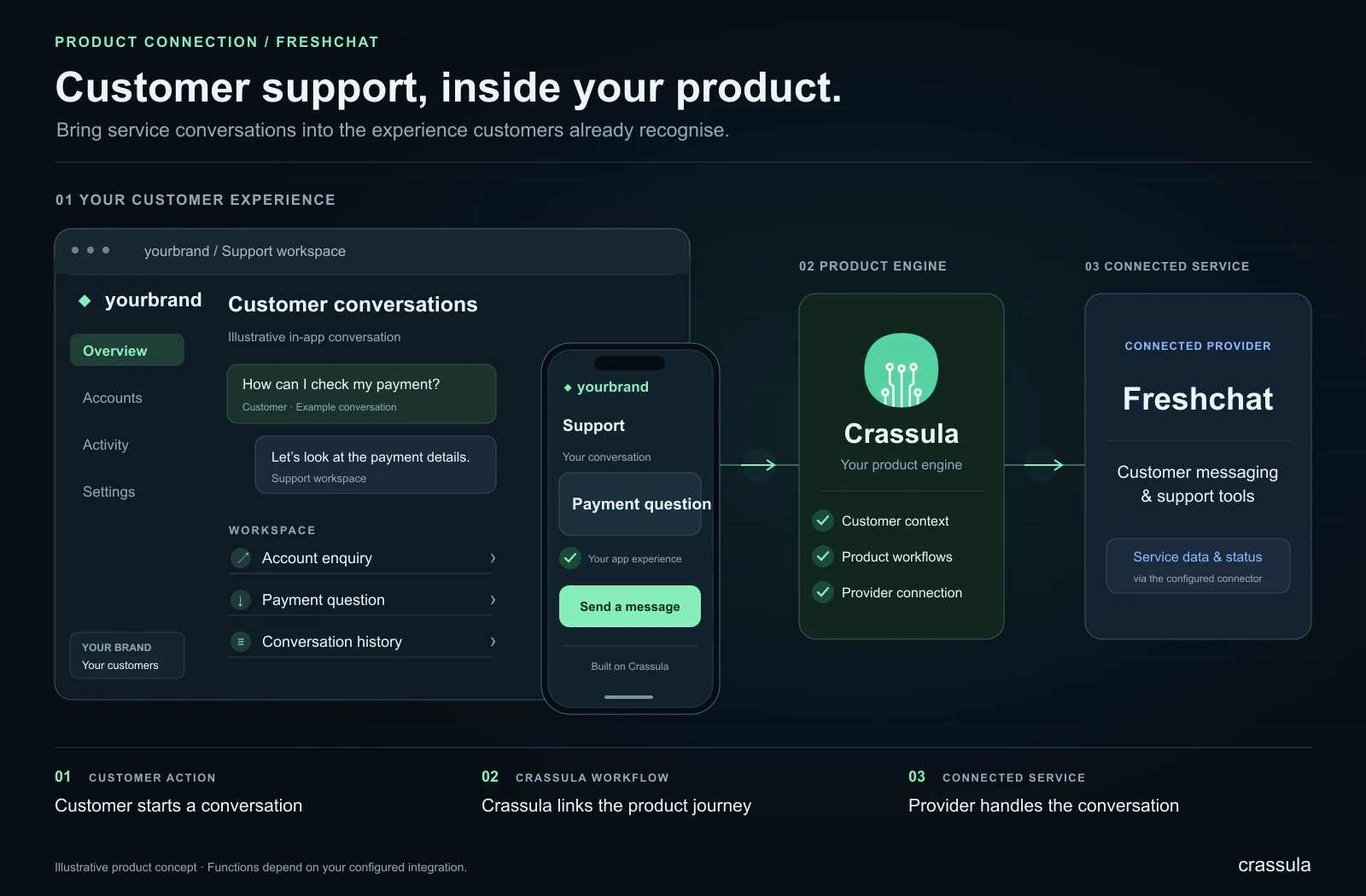
A messaging connection gives customers a way to reach the support team from their digital experience. A useful setup considers where the conversation starts, which customer context is shared and how the team follows up. The enabled service can support enquiries about accounts, payments or product use.
- Choose the customer interfaces and support entry points.
- Define identification, routing and handover responsibilities.
- Plan opening hours, follow-up and escalation for urgent enquiries.
The benefit is a more connected support journey. Customers can understand how to ask for help, while agents have a defined process for responding and involving the right operational team. Messaging, automation and conversation history depend on the chosen provider service and implementation, so the support model should match the actual setup.
Working with the connector
Crassula provides the software layer for organising customer journeys and operational processes around the connected service. A team can bring the functions included in its implementation into a branded product, while retaining a common place to review customer information, service requests and the resulting operational records. The provider continues to deliver its part of the service under the relevant agreement.
A useful starting point is to map the customer journey from the initial request to its final outcome. Define which information is submitted, what response is expected, which status is shown to the customer and how an operator handles an exception. This makes it easier to design a clear experience and to identify where automated processing or human review is appropriate.
Planning your implementation
Agree the required functions with Crassula and the provider, then test the complete journey in the available test environment. Include successful requests, incomplete data, unsuccessful responses and recovery after an interruption. Establish responsibility for customer support, operational follow-up and changes to the provider service. The connector can then become part of a documented product workflow, with clear expectations for customers and the team operating it.
Provider and connector overview
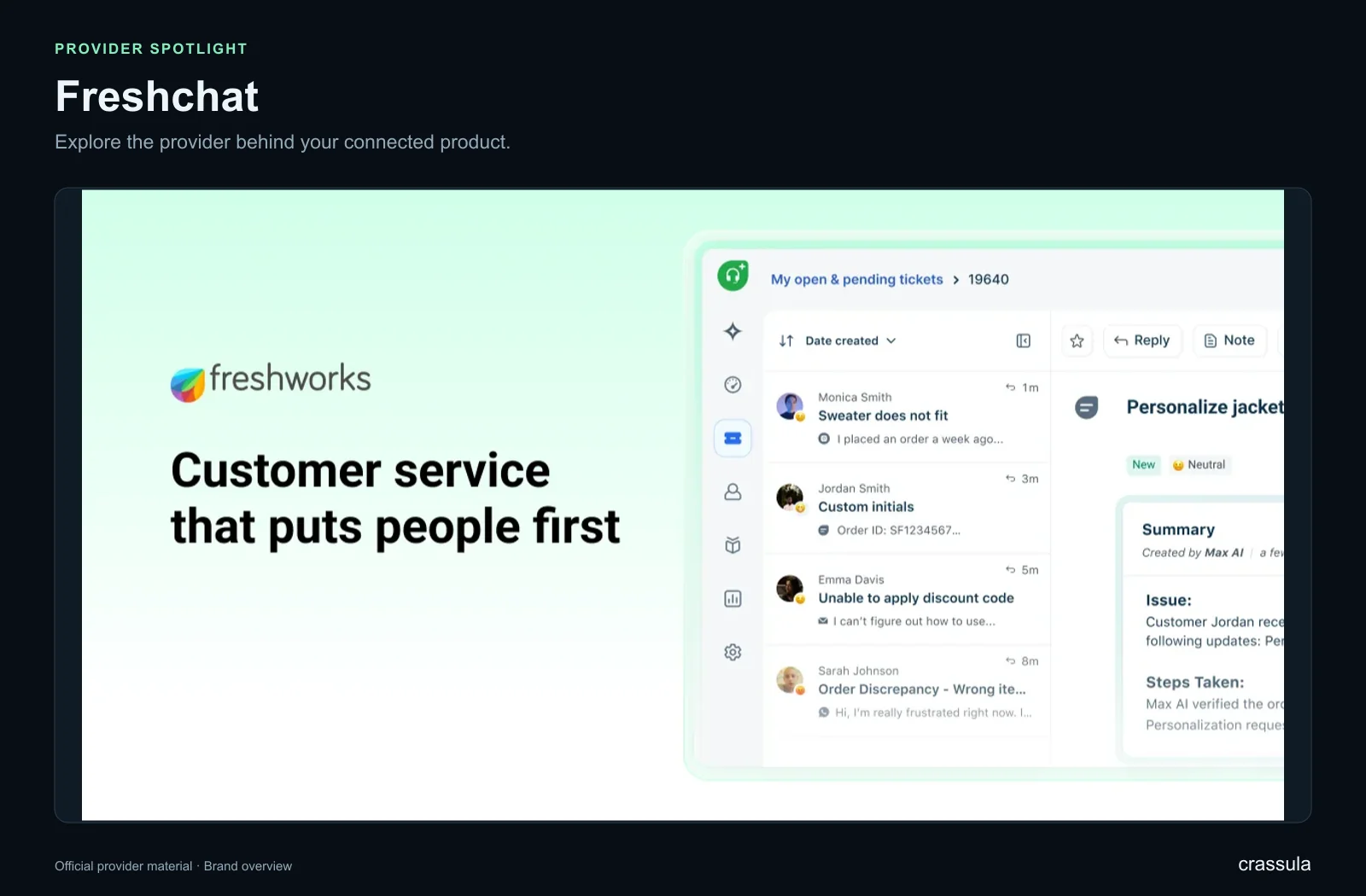
The gallery gives a provider-specific visual overview. Official imagery is included where available, alongside a simplified explanatory diagram of the connector’s role in a Crassula product.