
About FraudLabs Pro
FraudLabs Pro provides fraud-screening tools for online transactions. The Crassula connector is relevant to PSP and merchant workflows that use risk signals to review payments and potential fraud. Screening can consider transaction and customer-related data according to the configured service. Risk scores support a business decision; they are not a guarantee against chargebacks or a replacement for payment authorisation.
Using risk signals in payment review
Fraud-screening results are most useful when combined with the context of the customer and transaction. The connector can form part of a review process in which the business decides how risk information influences a supported payment workflow. Clear rules help operators understand which cases need attention.
- Identify the transaction data required for the subscribed checks.
- Define how risk results feed automated rules or human review.
- Document the reasons for accepting, holding or declining a case.
A practical workflow considers both suspicious activity and legitimate customers who may trigger an alert. Teams can review their thresholds, examine unexpected results and improve the handling of exceptions over time. Fraud tools support that work, while the business determines its acceptance policy and the actions taken on each result.
Working with the connector
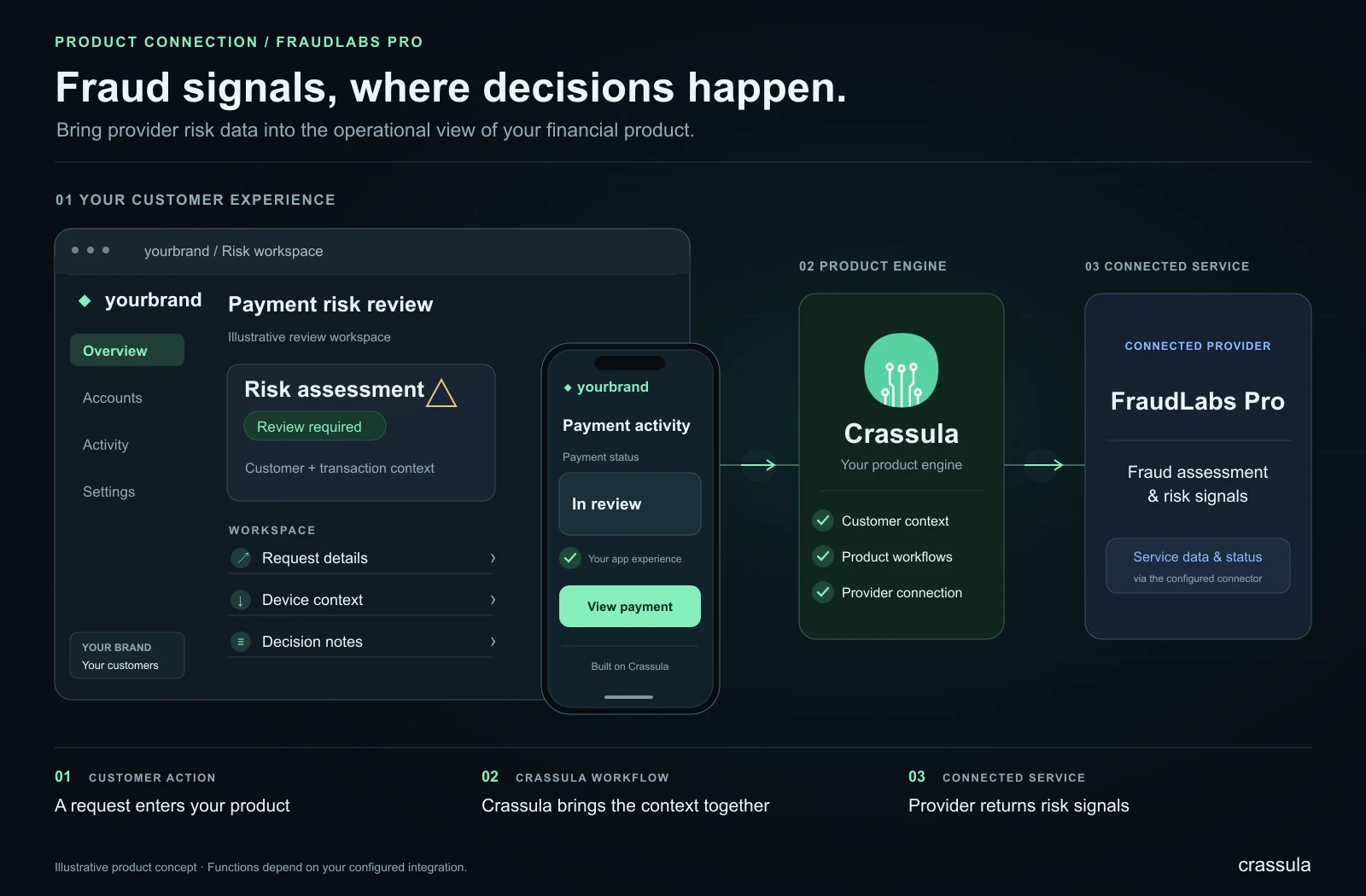
Crassula provides the software layer for organising customer journeys and operational processes around the connected service. A team can bring the functions included in its implementation into a branded product, while retaining a common place to review customer information, service requests and the resulting operational records. The provider continues to deliver its part of the service under the relevant agreement.
A useful starting point is to map the customer journey from the initial request to its final outcome. Define which information is submitted, what response is expected, which status is shown to the customer and how an operator handles an exception. This makes it easier to design a clear experience and to identify where automated processing or human review is appropriate.
Planning your implementation
Agree the required functions with Crassula and the provider, then test the complete journey in the available test environment. Include successful requests, incomplete data, unsuccessful responses and recovery after an interruption. Establish responsibility for customer support, operational follow-up and changes to the provider service. The connector can then become part of a documented product workflow, with clear expectations for customers and the team operating it.
Provider and connector overview
The gallery gives a provider-specific visual overview. Official imagery is included where available, alongside a simplified explanatory diagram of the connector’s role in a Crassula product.